
Pages you can move
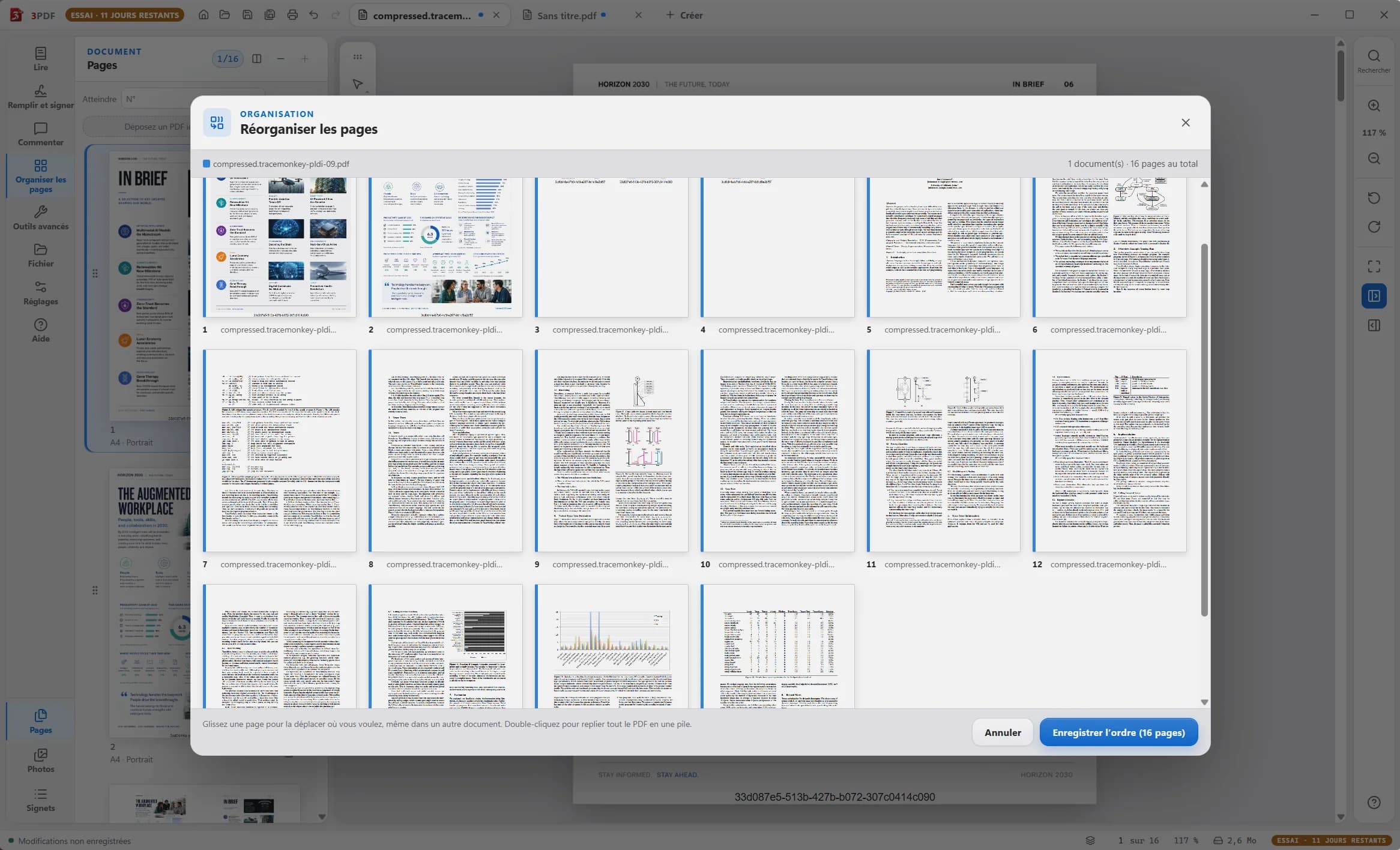
Reorder, rotate, duplicate or delete pages. Insert a document between two existing pages.
Read PDFs and view two documents side by side for free. To organize, edit, annotate and create photo reports, get the 3PDF Pro tools for €3.99 a month on Windows 10 and 11.
Reorder, rotate, duplicate or delete pages. Insert a document between two existing pages.
Assemble PDFs on the merge board. To extract pages, drag the selection into a Windows folder.
Crop pages, add numbers or watermarks, then export or print.
Scripts, digital signatures and proprietary structures in complex PDFs may not survive a page copy.
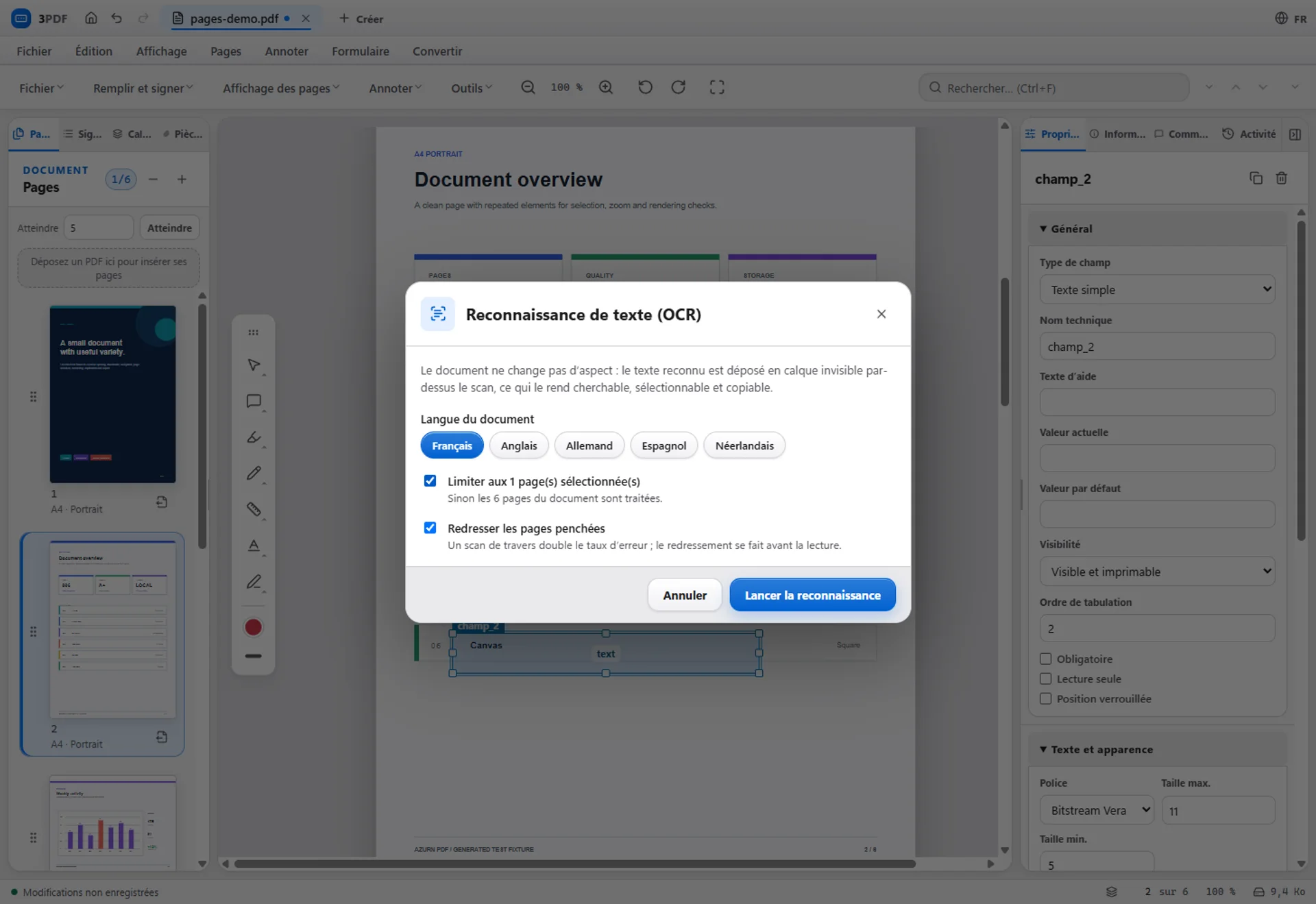
OCR adds a searchable text layer you can select and copy. English, French, German, Spanish and Dutch are available locally.
Highlight, underline, draw or add notes, shapes and arrows. Annotations can include an author and replies.
OCR results depend on the document. No accuracy rate or recognition of all handwriting is guaranteed.
Touch up text and create or fill AcroForm fields: text, multiline, validation and calculations. Import and export form data in JSON, CSV or XFDF.
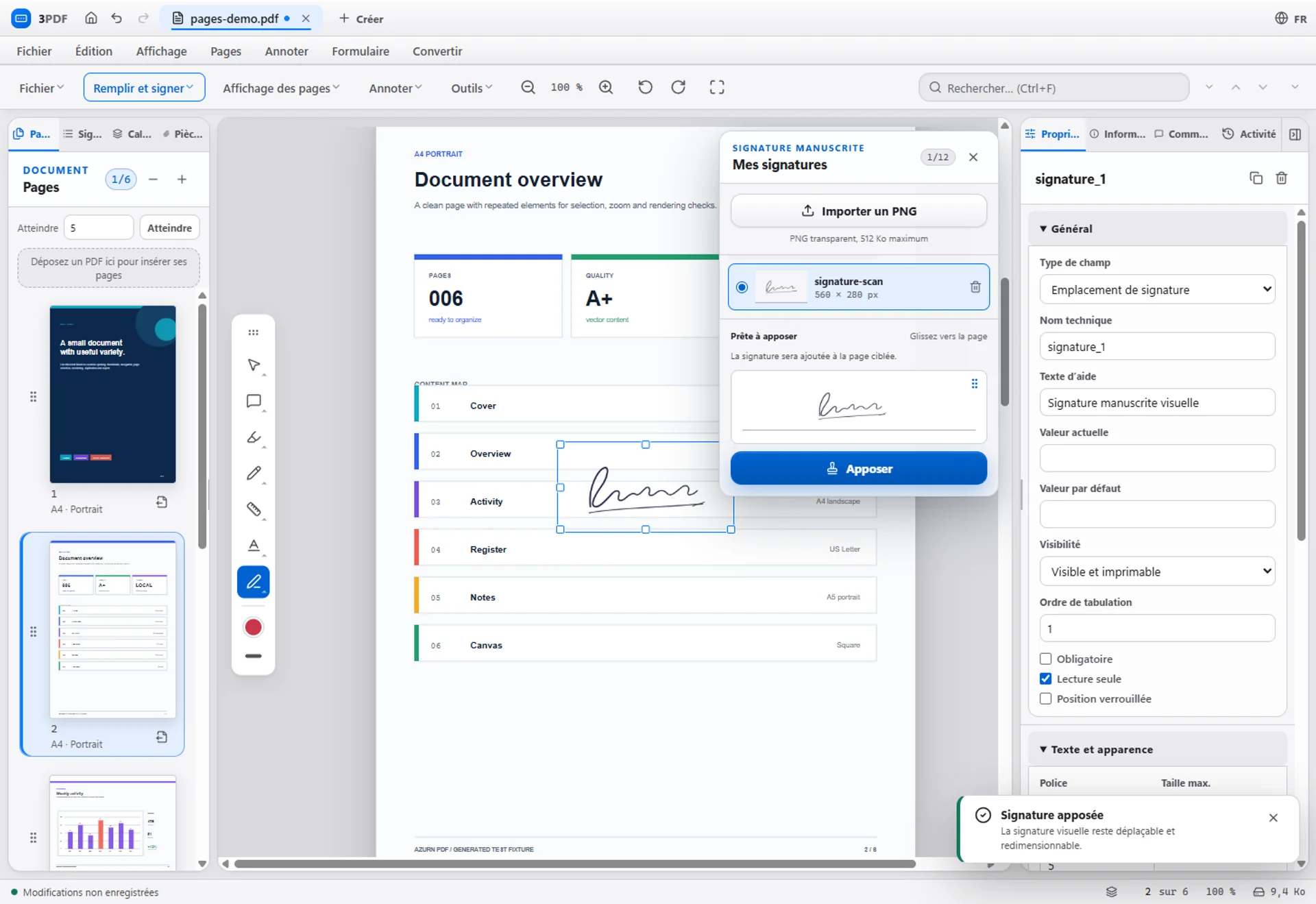
Import a handwritten signature to place it on a document. This image is not a digital certificate.
Set the scale manually, from 1:20 to 1:2500 or a custom ratio, then measure distances and areas.
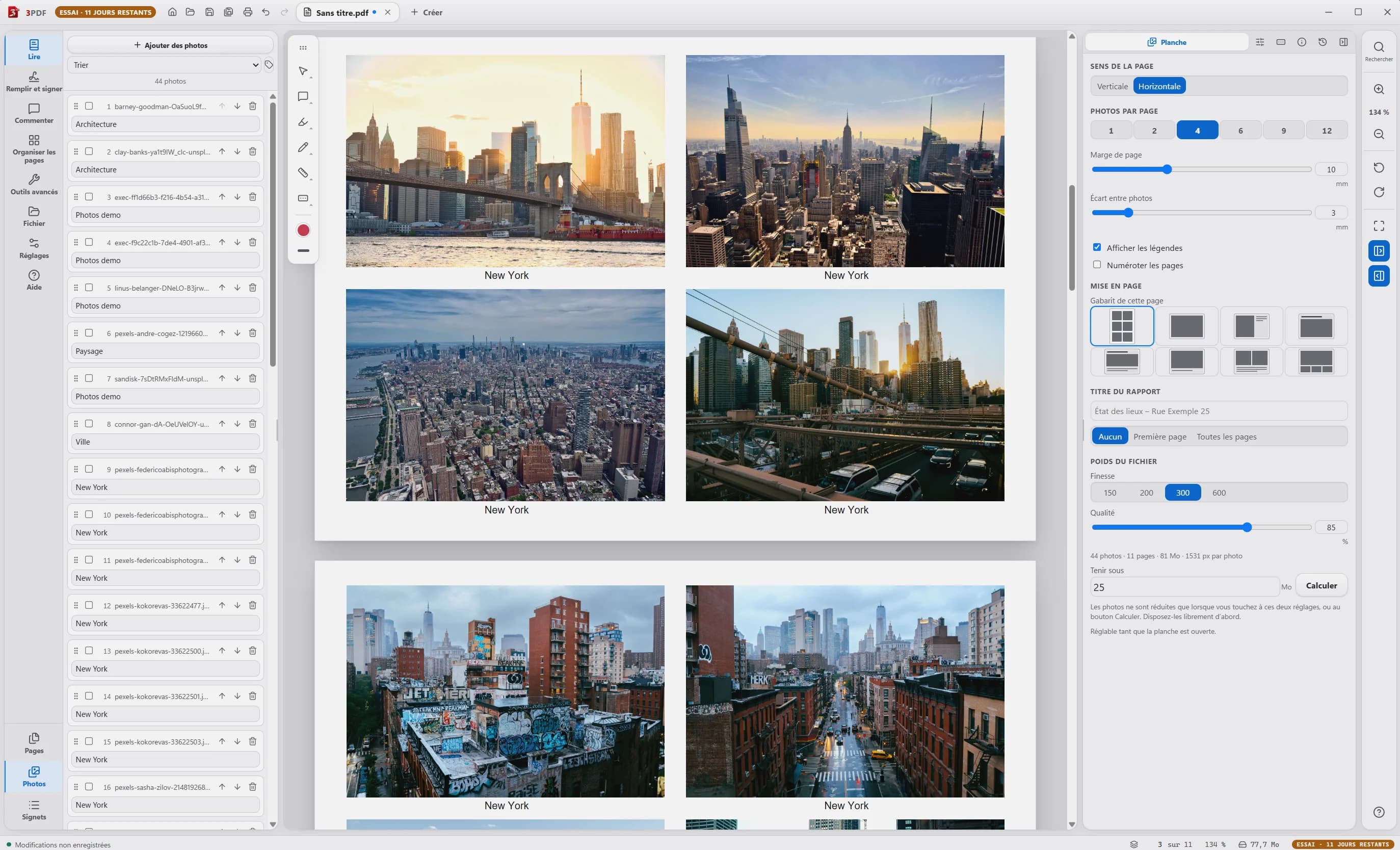
Create a PDF report from a folder of photos. Set orientation, photos per page, margins, captions and quality. This feature is part of Pro.
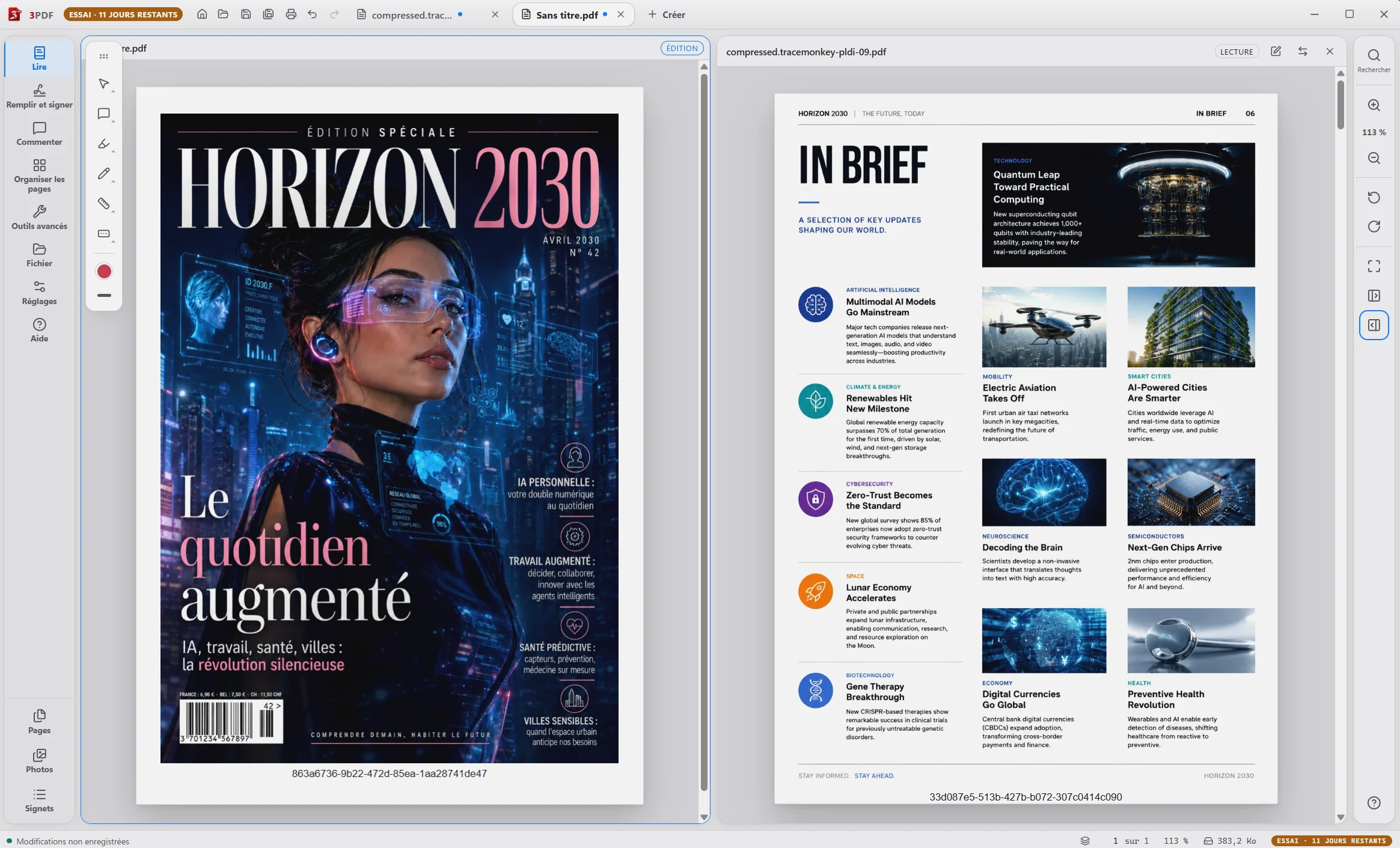
View two documents side by side, each with its own zoom. This reading feature helps with a plan and its notes or two versions; it does not automatically detect differences.
All your tools, in one Windows application. Two computers per account. Cancel any time.
Subscribe — €3.99 / month